
Navigate to: Marketing > SEO Setup > Products
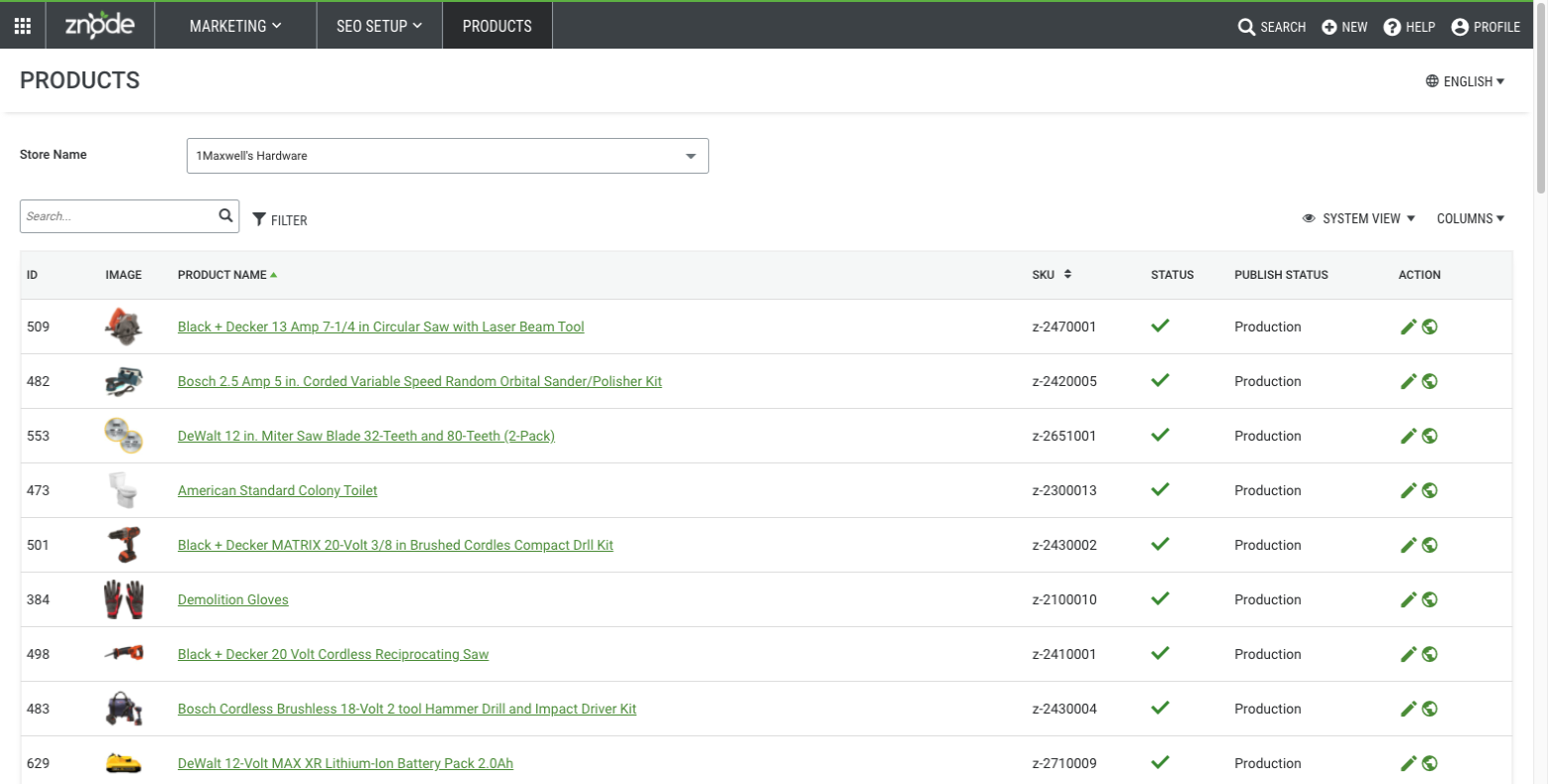
SEO Settings can be managed by Store for each product with the help of the following fields:
Detail | Description |
Locale | SEO settings are localizable and can be set according to the Locales enabled for the store. |
Name | Displays the Product Name for which the SEO settings are being configured. |
SEO Title | Text entered in this field is displayed as the SEO Page Title on the individual product page. |
SEO Description | This is used to summarize a web page's content. Text entered here is displayed in some search engine results on pages to let visitors know what a page is about. |
SEO Keywords | Search Engines don’t use the meta keywords tag anymore. These are not required but are still available. |
SEO-Friendly Page Name | This indicates the SEO-friendly URL of the product page. (E.g., https://manufacturing.znodestore.com/dewalt-flexvolt-16-inch-battery-powered-chainsaw where 'dewalt-flexvolt-16-inch-battery-powered-chainsawl' is the SEO-friendly page name/URL). If the administrator enters the URL in this field, this will be the default product URL on the storefront. If not, the product URL will comprise the Product ID. Additional Information: Enter a page name
SEO Path Rules
Reserved keywords: Note: The SEO URL will follow the applicable formatting rules based on the Disable SEO Validation setting. |
Is Redirect | When Is Redirect is enabled, all customers who visit the previous URL will be redirected to the new URL Example: If the current URL is Fuses/Guy-Wire-Steel-Strand and the admin updates it to Guy-Wire-Steel-Strand: IsRedirect = TRUE: Anyone visiting the old URL will automatically be redirected to the new one. IsRedirect = FALSE: |
Canonical URL | A canonical URL is the HTML <link rel="canonical" href="..."> tag in a page's <head> section that tells search engines which version of a URL is the "main" or preferred page, preventing duplicate content issues. By identifying the master version, it ensures ranking signals (like link equity) consolidate onto one URL, improving SEO and search rankings. Example - It resolves duplicate content issues when the same, or nearly identical, content is accessible via multiple URLs (e.g., ?category=shoes vs. ?product=red-shoes). The Administrator can enter a specific canonical URL here. The canonical is set to the SEO Friendly URL if nothing is specified. |
Robot Tag | Administrators can manage page-level robot meta tags. Options are as follows:
|
Editing Product SEO
Navigate to: Marketing > SEO Setup > Products > "Edit" action
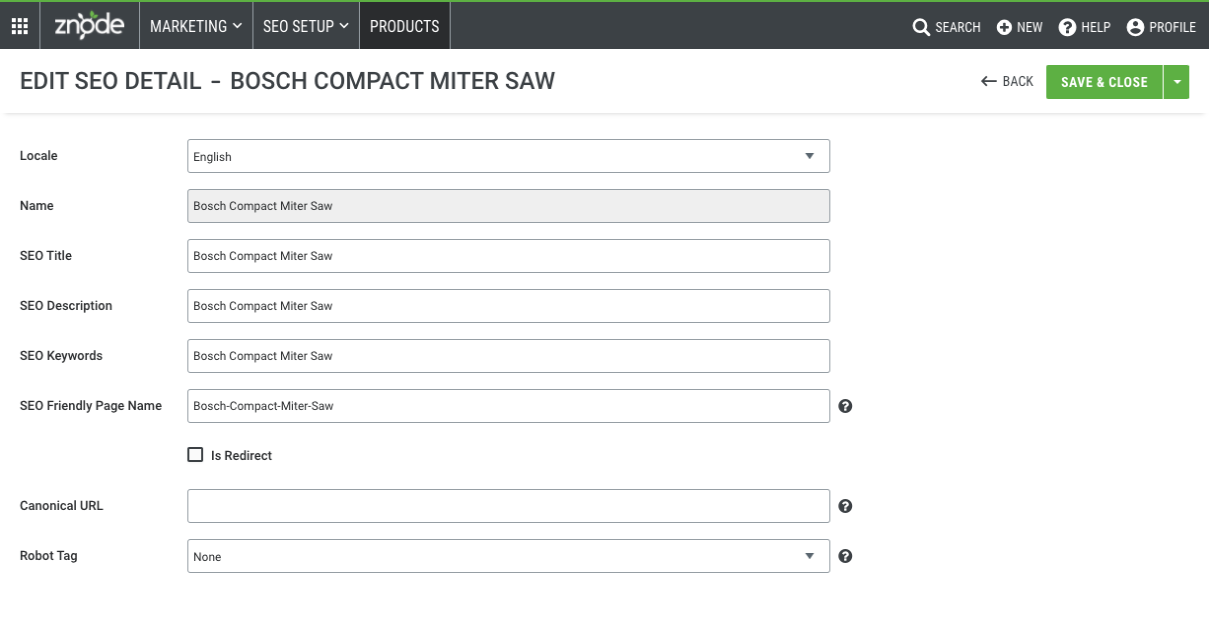
Edit Product SEO details
Save progress using the "Save" button