
TABLE OF CONTENTS
Navigate to: Stores > Manage Store > Approval Management
When the administrator selects “Users” from the Approval Type dropdown, all the remaining configuration fields get hidden, and a message appears. The admin must then navigate to the Manage Users screen to complete the remaining configurations.
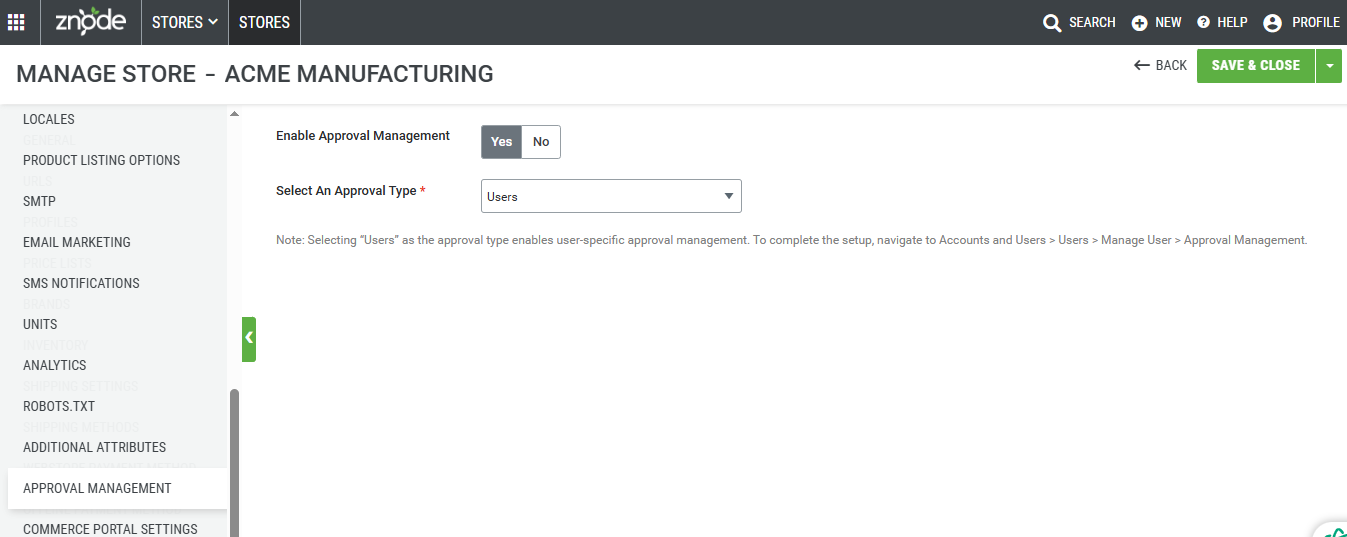
Configuring User-Level Approval:
Navigate to: Accounts and Users > Users > Manage User > Approval Management
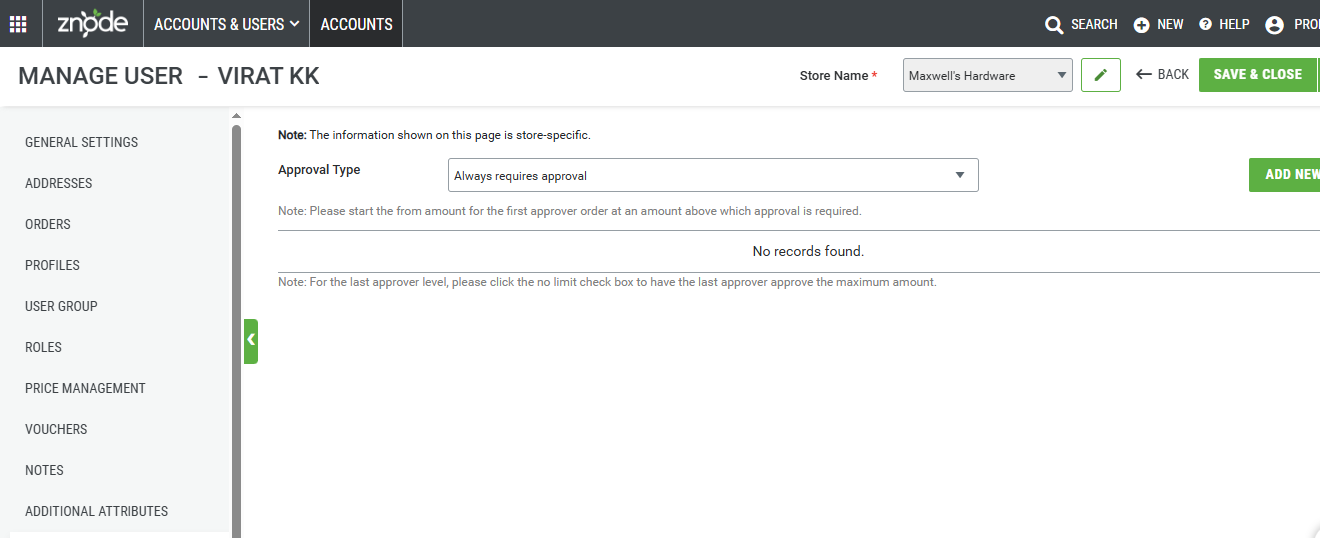
Steps to configure User-Level Approval
- Set the “Approval Type” to “Always Require Approval”.
- Click the “Add New” button to configure the Approvers, Approver Order, and Amount Brackets for the selected user.
- Click on the “Add New” button again to add multiple approvers.
- Click “Save” or “Save and Close” to apply the changes
Note: The Set approval for Orders above ($) setting is evaluated against the Order Subtotal to determine whether an order requires approval and to identify the applicable approval level. This behavior applies to both Single-Level and Multi-Level approval workflows. The approval evaluation is based solely on the Order Subtotal; the Order Total, including taxes, shipping charges, discounts, handling fees, and other order-level adjustments, is not considered when determining whether the approval threshold has been met.
Important notes
- In the case of user-specific approval routing, the approval flow applies to all payment methods associated with the store. (Currently, only non-digital payment methods are associated with AR)
- When the admin sets the Approval Type to "Users", any previously done configurations under the "Store" or "Payment" approval types are removed and cannot be restored. If the administrator later switches the approval type back to "Store" or "Payment", the respective configurations will be reconfigured from scratch.
- On the Approval Management screen (Accounts and Users > Users > Manage User), the last approver's amount bracket has no upper limit. The bracket begins from the value entered in the “From” field and extends indefinitely/no limit (i.e., up to infinity).