TABLE OF CONTENTS
Introduction
ReCaptcha is a CAPTCHA system owned by Google. Captchas are tools that are used to differentiate between real users and automated users, such as bots. Captchas provide challenges that are difficult for computers to perform but relatively easy for humans. For example, identifying stretched letters or numbers, or clicking in a specific area. A Captcha is a type of challenge-response test used in computing to determine whether the user is human. Captcha is used mostly for security reasons, Captchas also serve as a benchmark task for artificial intelligence technologies.
ReCaptcha in Znode
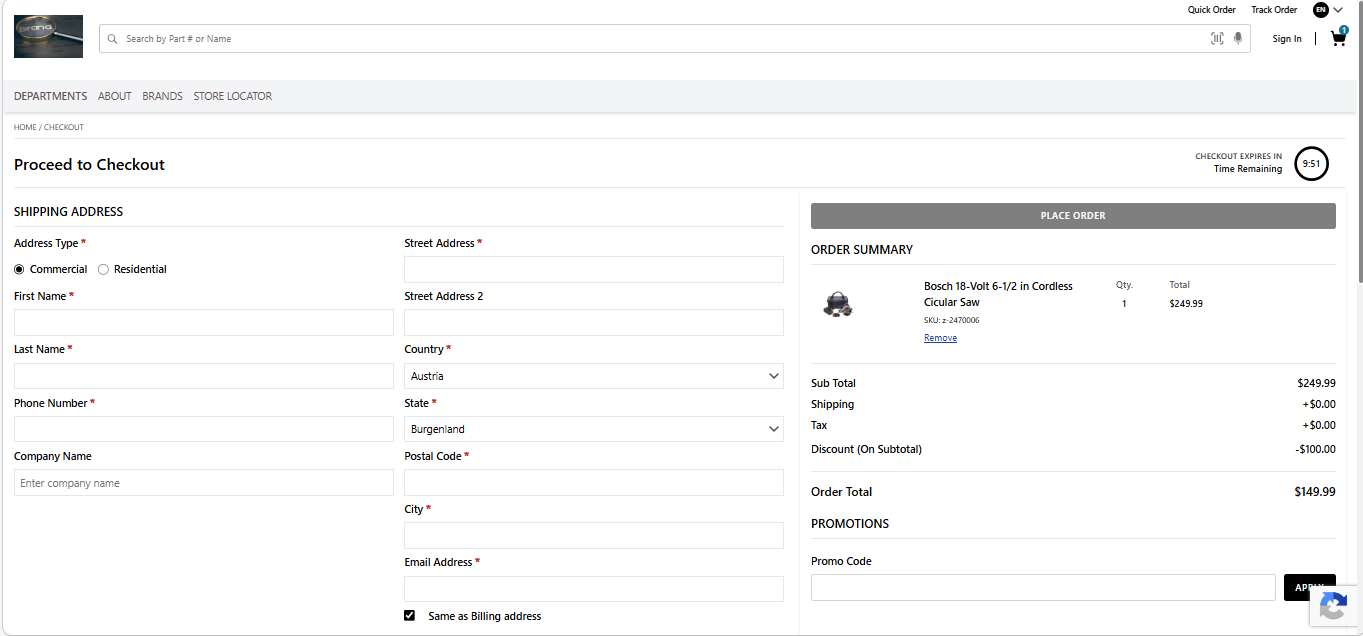
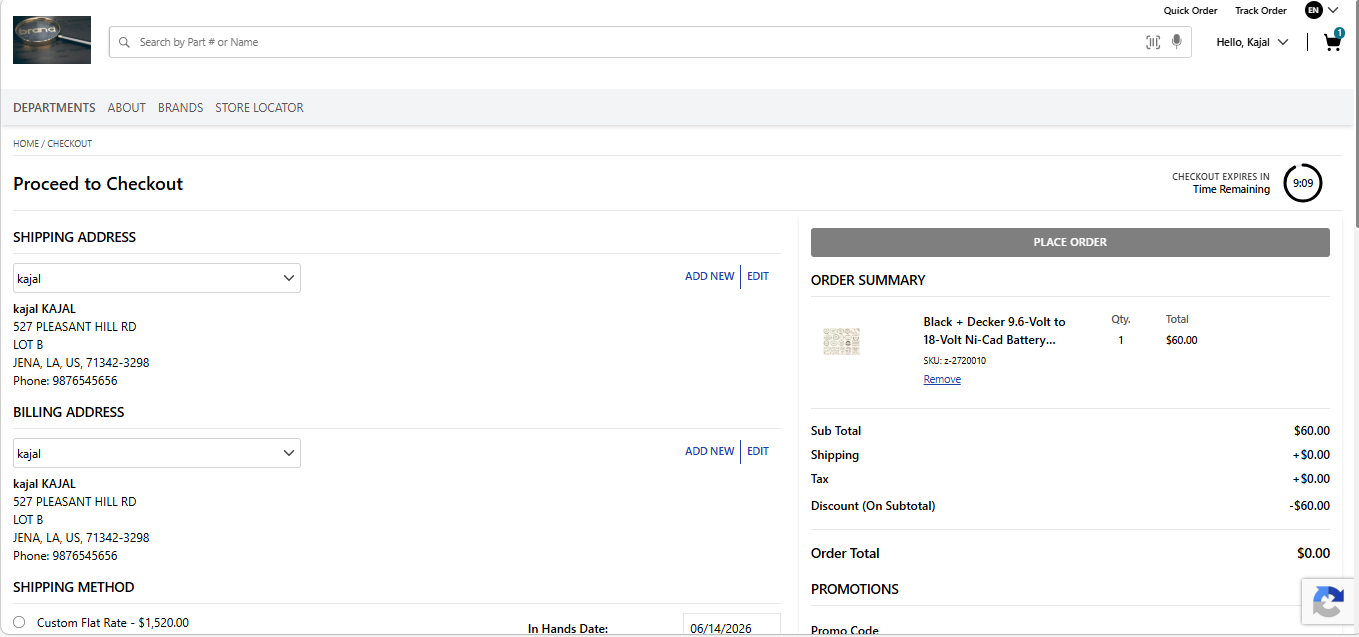
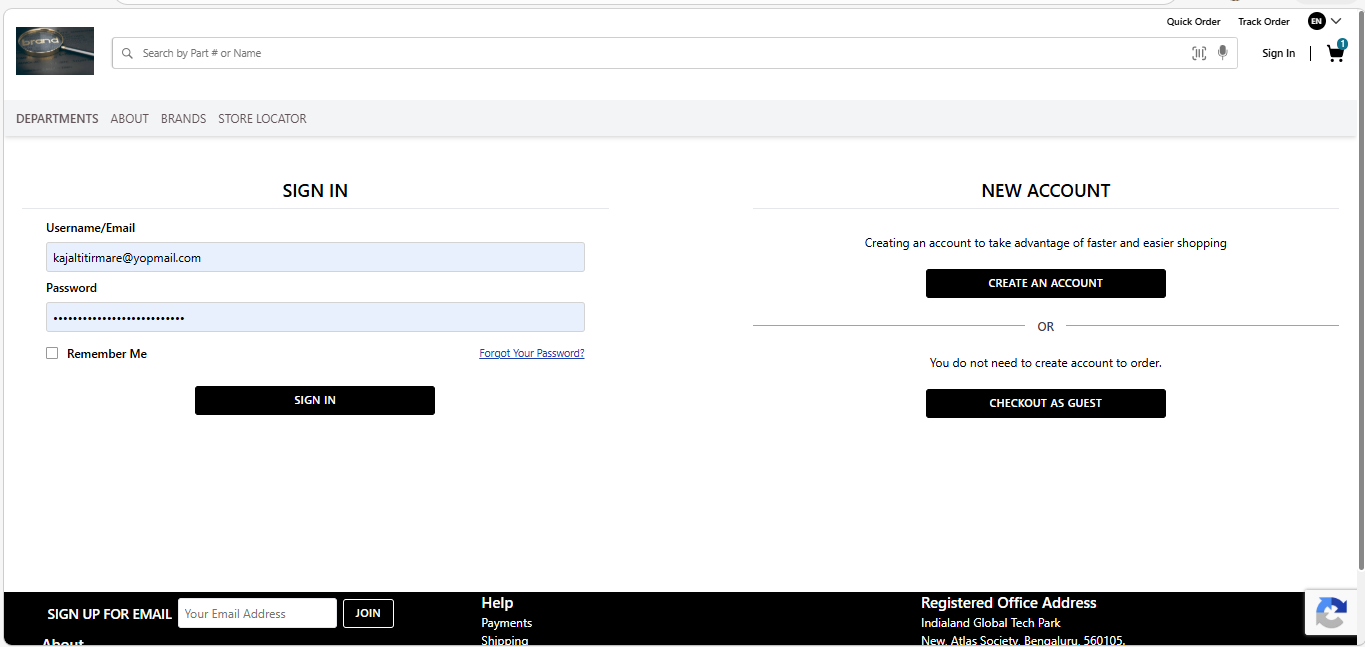
Znode should provide the capability for administrators to configure and enable ReCaptcha on the Login & Registration, Contact & Feedback Form, Checkout pages for Guest User and logged-in users.
Enabling/Disabling Captcha for Storefront:
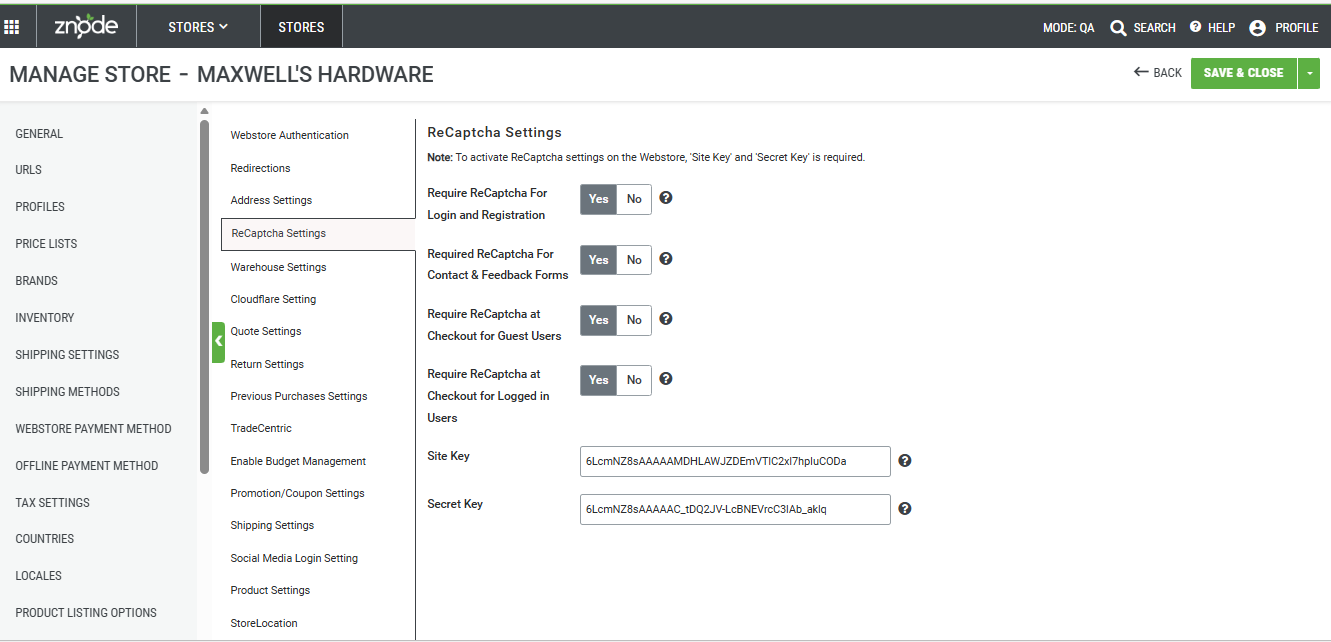
Navigate to: Stores > Additional Attributes > ReCaptcha tab
Configuration Settings
| Setting | Description |
|---|---|
| Require ReCaptcha For Login and Registration | Enables ReCAPTCHA validation on customer login and registration pages. When enabled, users must successfully complete the ReCAPTCHA challenge before submitting the form. |
| Require ReCaptcha For Contact & Feedback Forms | Enables ReCAPTCHA protection for Contact Us and Feedback forms to prevent spam submissions from automated bots. |
| Require ReCaptcha at Checkout for Guest Users | Displays ReCAPTCHA validation during checkout when customers place orders without logging into an account. |
| Require ReCaptcha at Checkout for Logged In Users | Displays ReCAPTCHA validation during checkout for authenticated users before order submission. |
| Site Key | Public key provided by the ReCAPTCHA service. This key is used by the storefront to display the ReCAPTCHA widget. |
| Secret Key | Private key provided by the ReCAPTCHA service. This key is used by the server to validate ReCAPTCHA responses submitted by users. |
Important Notes:
- ReCAPTCHA will not be displayed if the required keys are missing or invalid
- Settings are configured per store, allowing different ReCAPTCHA configurations across multiple stores.'
- Changes take effect after the store configuration is saved.
Following are the four options from where an administrator can enable and disable the ReCaptcha settings.
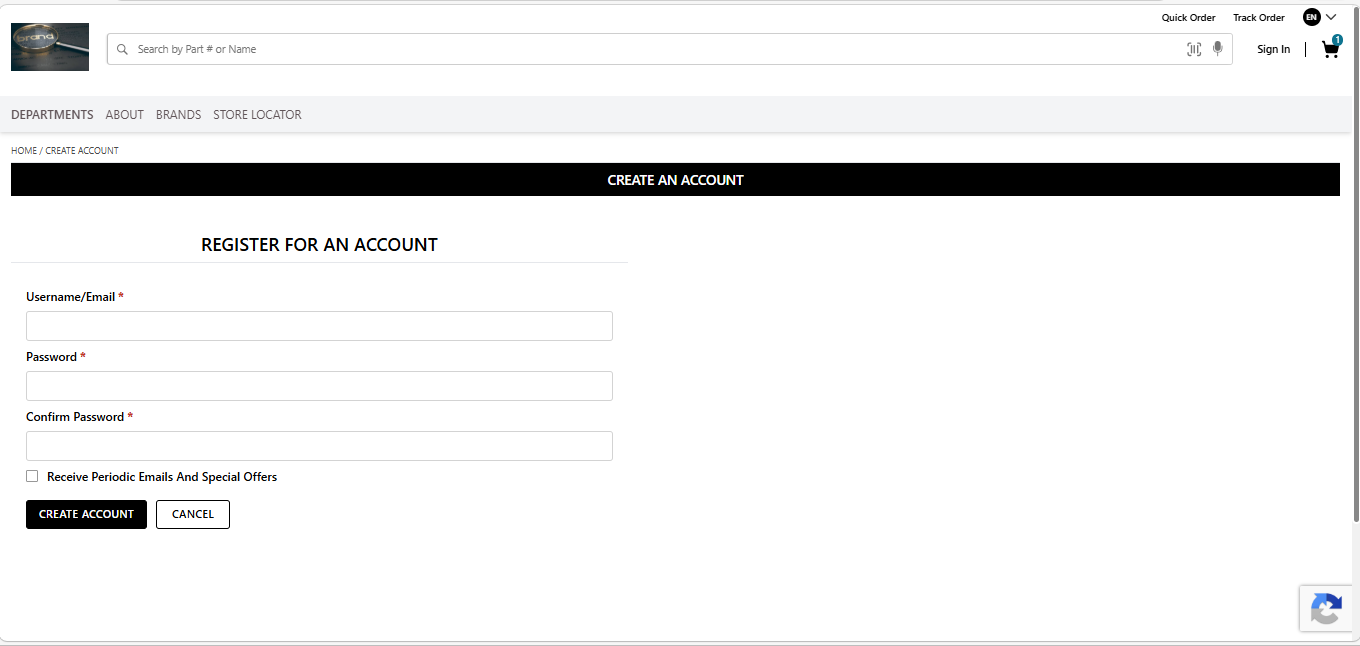
- Is Invisible ReCaptcha Required For Login and Registration - When the value is set as Yes and Store Settings are published, the ReCaptcha is enabled for the “Login” and Registration page.
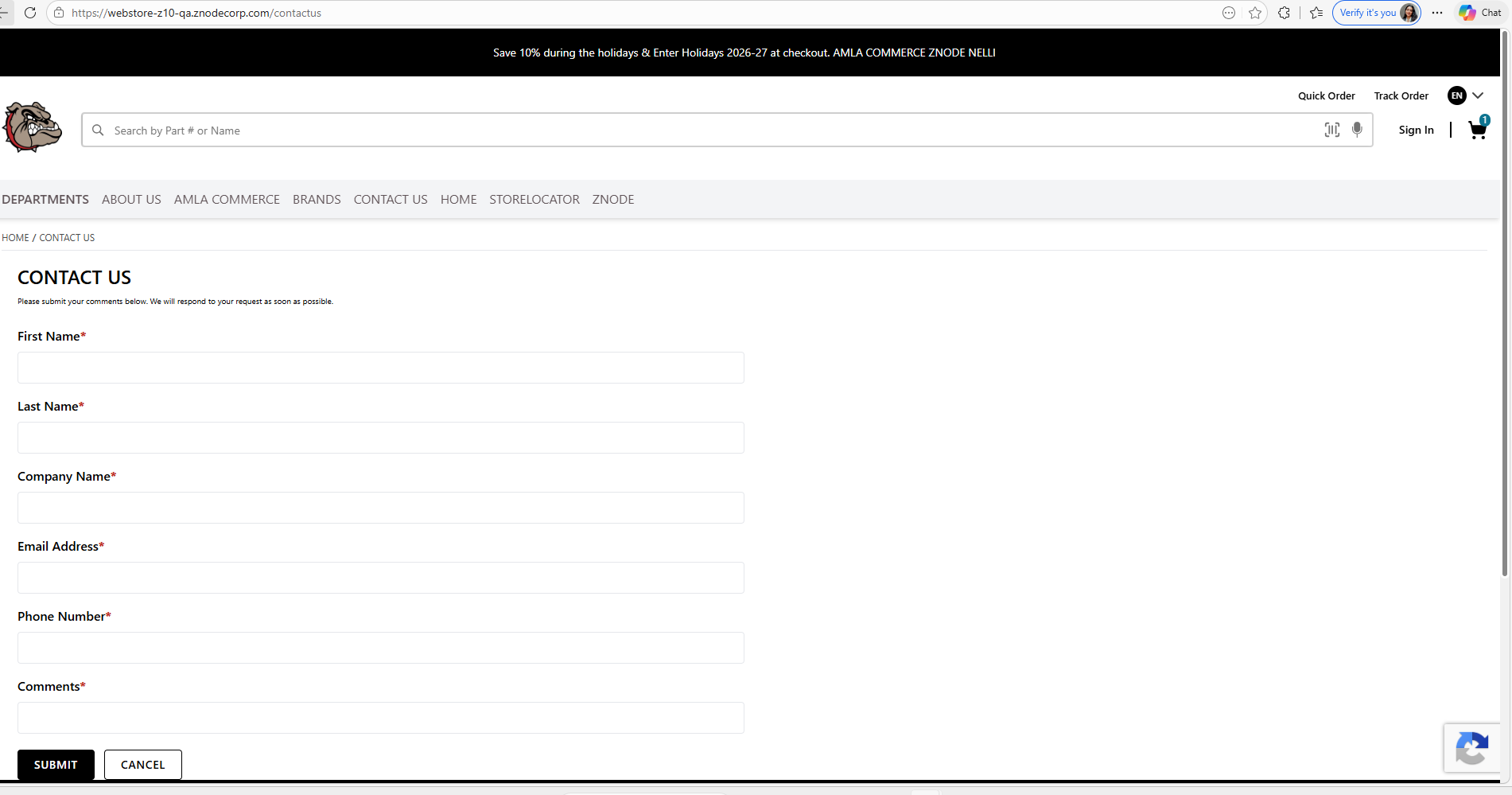
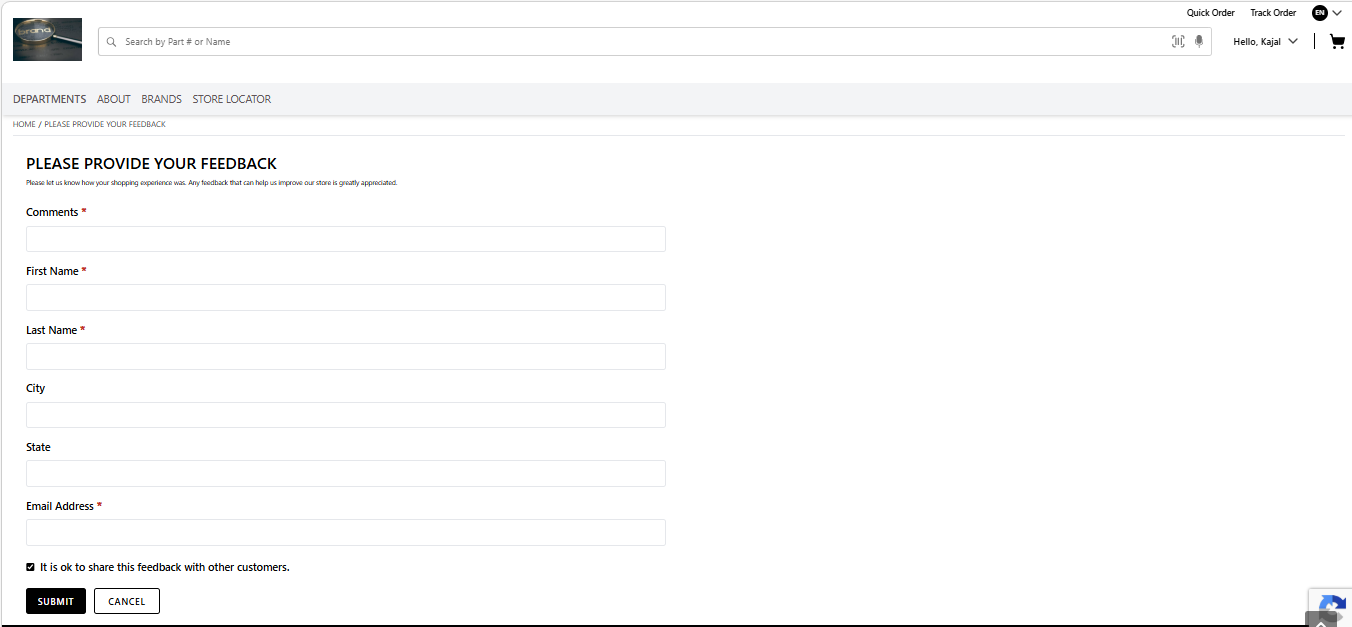
- Is Invisible ReCaptcha Required For Forms - When the value is set as Yes, and Store Settings are published, the ReCaptcha is enabled on the “Contact Us” and “Feedback Form” pages.
- Required ReCaptcha at Checkout for Guest Users - When the value is set as Yes, and Store Settings are published, the ReCaptcha is enabled on the “Checkout page” for the Guest Users.
- Required ReCaptcha at Checkout for Logged-in Users - When the value is set as Yes, and Store Settings are published, the ReCaptcha is enabled on the “Checkout page” for the logged-in Users.